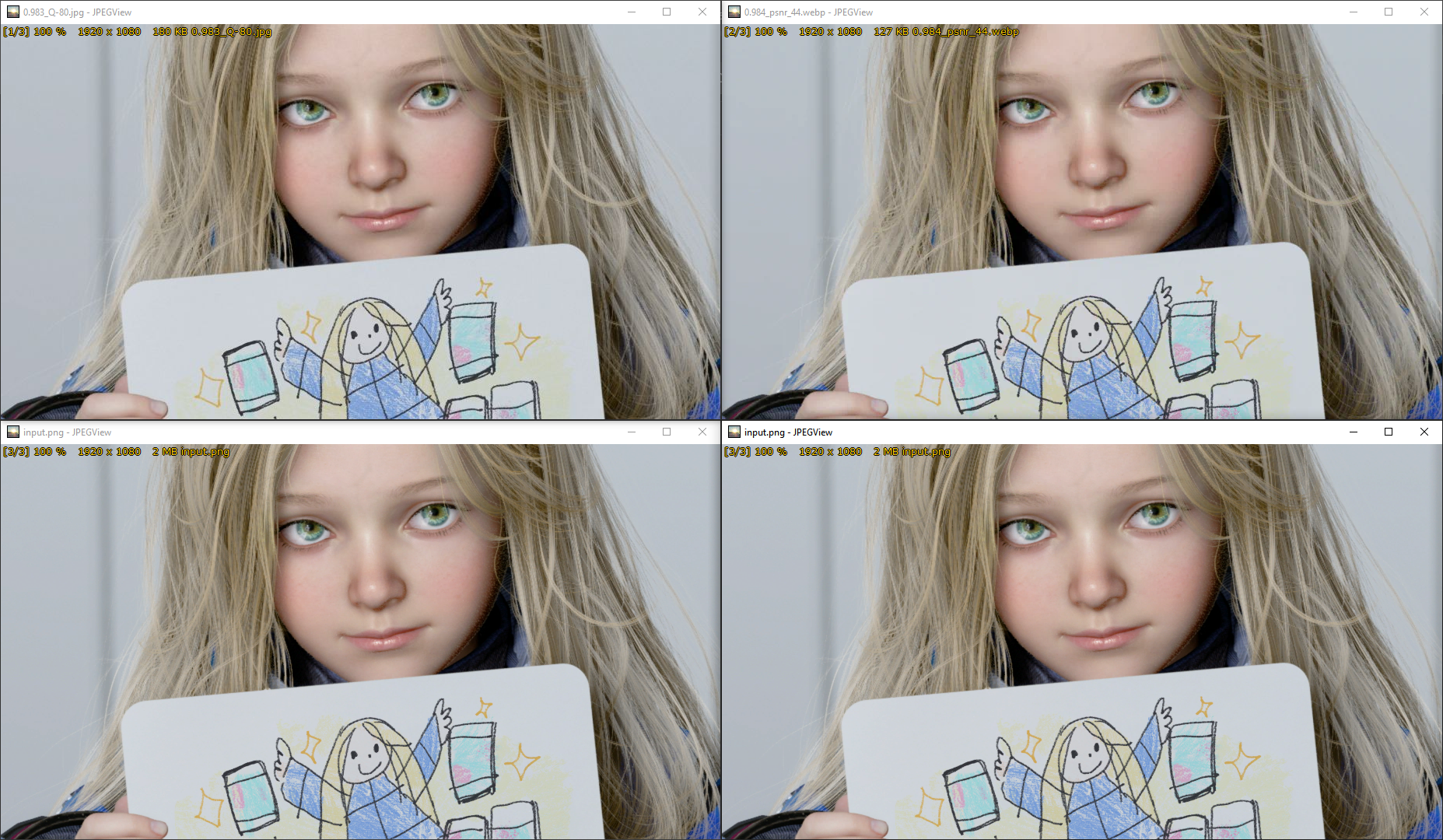
File: 0.984_psnr_44.webp (127 KB, 1920x1080)
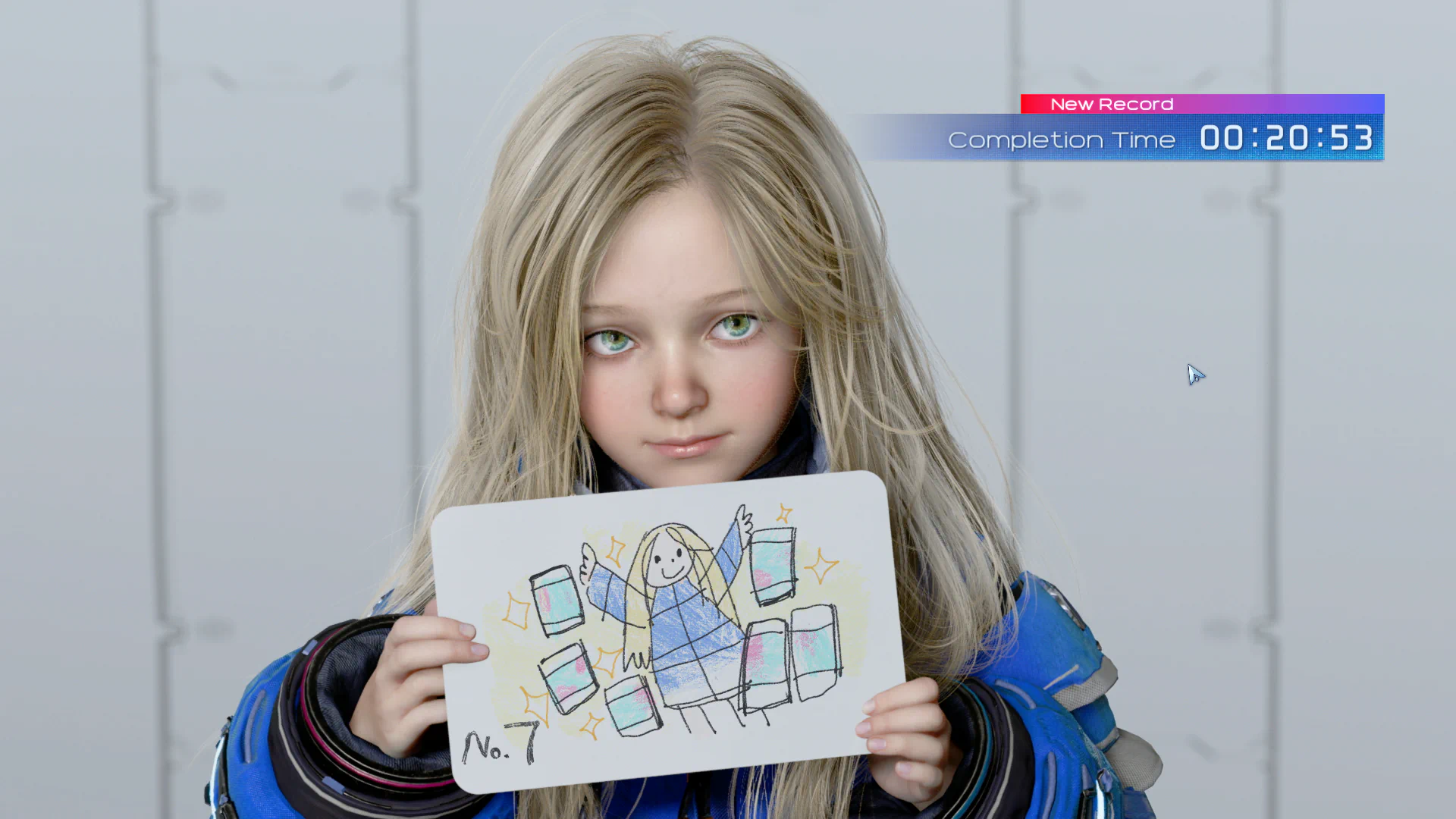
This thread was inspired by this one on 4chan's /g/ board btw
https://boards.4chan.org/g/thread/109034858
All the advanced technical stuff is there but if you want to help and have some CLI skill you can use this template help me make HQ Webp encodes from truly lossless PNGs (ie it's not a JPG saved as a PNG) in 1920x1080 res:
cwebp -preset photo -psnr 45 -pass 10 -m 6 -f 0 -sharp_yuv input.png -o output.webp
Optimal PSNR seems to be 40-45 but 45 is a pretty safe option.
File: 0.966_psnr_40.webp (198 KB, 1920x1080)

Dunno what games this is from but man is this a slick looking Ferrari
>>715 (OP)
Insane file size reduction while maintaining quality
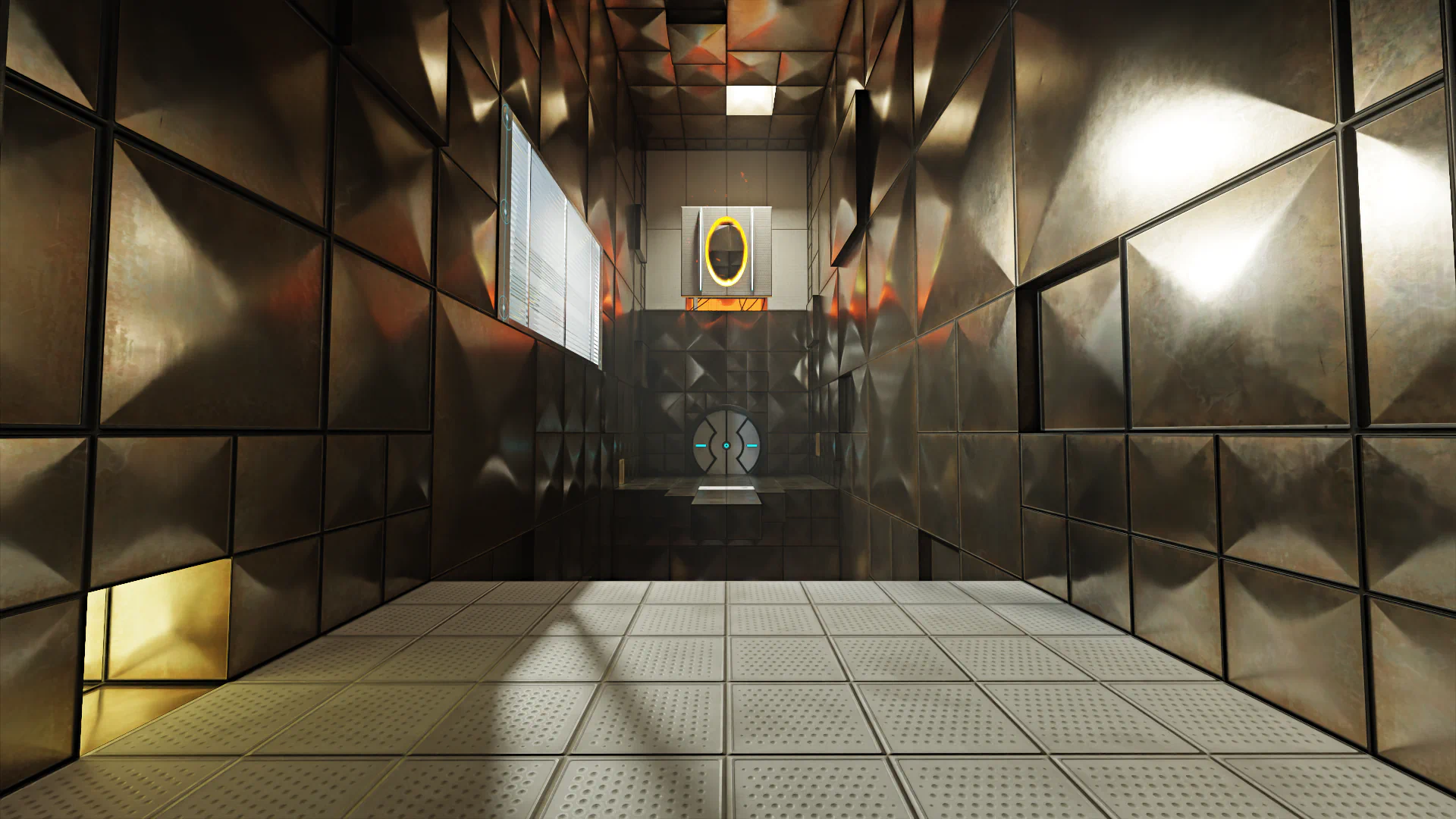
File: 0.981_psnr_44.webp (155 KB, 1920x1080)
>>718
We're probably years away from creating convincingly good footage from videogame that's hard to discern from real life.
Webp related is the RTX remix of Portal 2 so a lot of these graphics enhancements can be ported back to revive older titles.
>Tfw can only oogle at these images as I have a GTX 1050...

>>1169
>>1169
Depends how you define "HQ" and most people can't seem to universally agree on this because of visual acuity, display being used, viewing conditions, viewing distance, etc etc. "LQ" or dogshit quality is easy, you just set a JPG or WebP image with a quality parameter of 0 and ~100% of humans would agree that it's awful. WebP is a very interesting image codec because it can, without intermediate formats, use:
A) YCbCr pixel format with 4:2:0 chroma subsampling. This is the one image photographers get upset about because raw camera images can be 4:2:2 or even 4:4:4 JPGs (set to 100 quality).
B) RGB (+ alpha). This is the exact same thing being used in PNG.
You rarely hear about B until now because there used to be a serious security vulnerability so it was effective banned on the internet. It's been a few years since all the security patches got sent all over the world so it's pretty safe to use. This is also why things like JXL won't see widespread adoption until like 2030, there could be dangerous hidden security vulnerabilities especially since it's 10X as complex/more lines of code vs WebP.
Anyway umigalaxy seems to be one of the first websites that allows the usual boring YCbCr pixel format with 4:2:0 chroma subsampling but also the historically banned RGB (+ alpha) color space in Webp uploads. If the former isn't "HQ" enough for you then you can use the latter.
>>1169
IN FACT, if you want a real oxymoron wait until you find out that some freak images achieve dramatically smaller filesize as a a lossless RGB WebP instead of the lossy one. You'd think not applying lossy transforms to a image would make the filesize explode but some images out there are freaks of nature.