File: 2024_cvvdp_graph_abstract_720p.mp4 (1.58 MB, 1200x720)
https://files.catbox.moe/auw8e7.txt
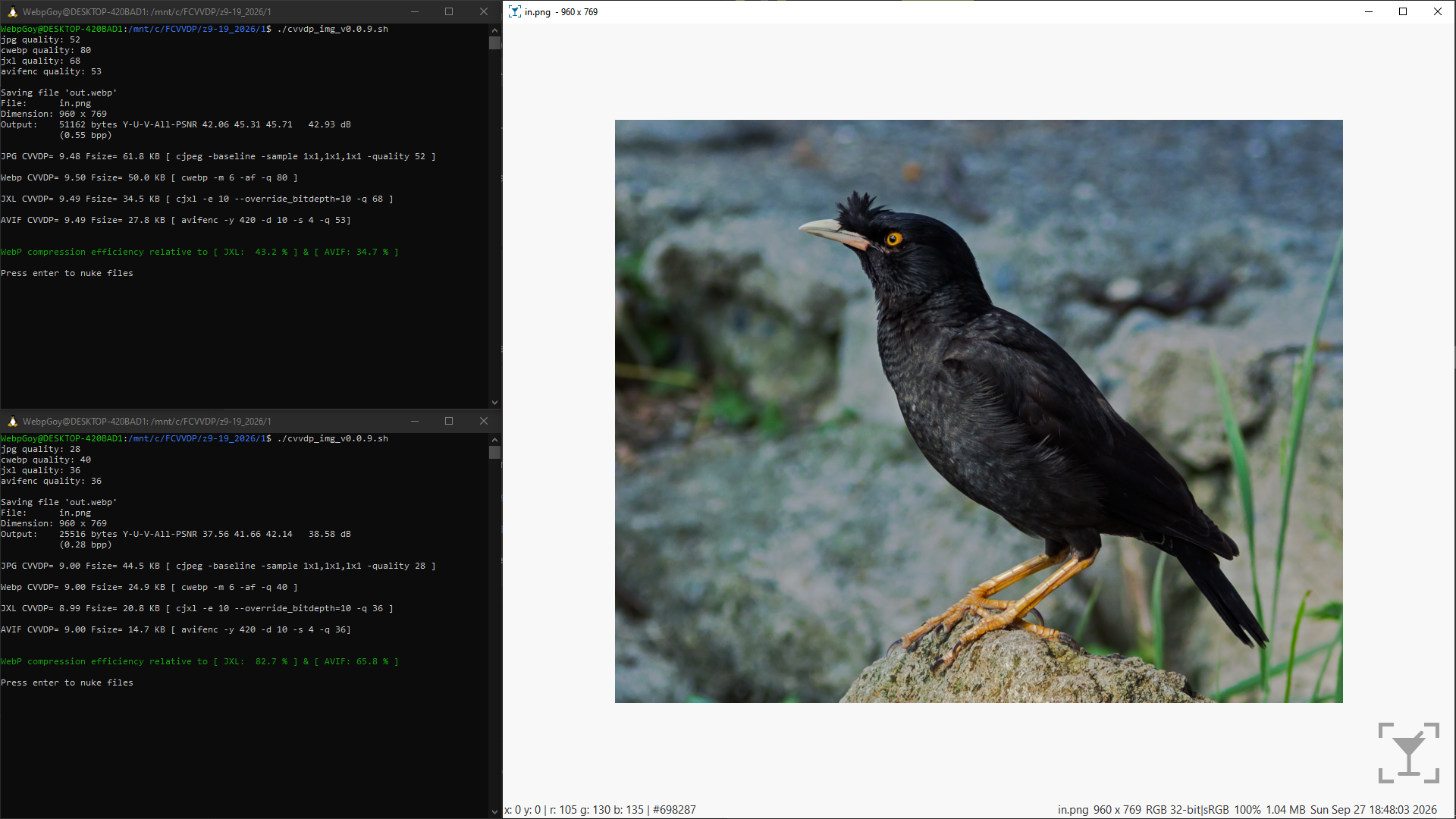
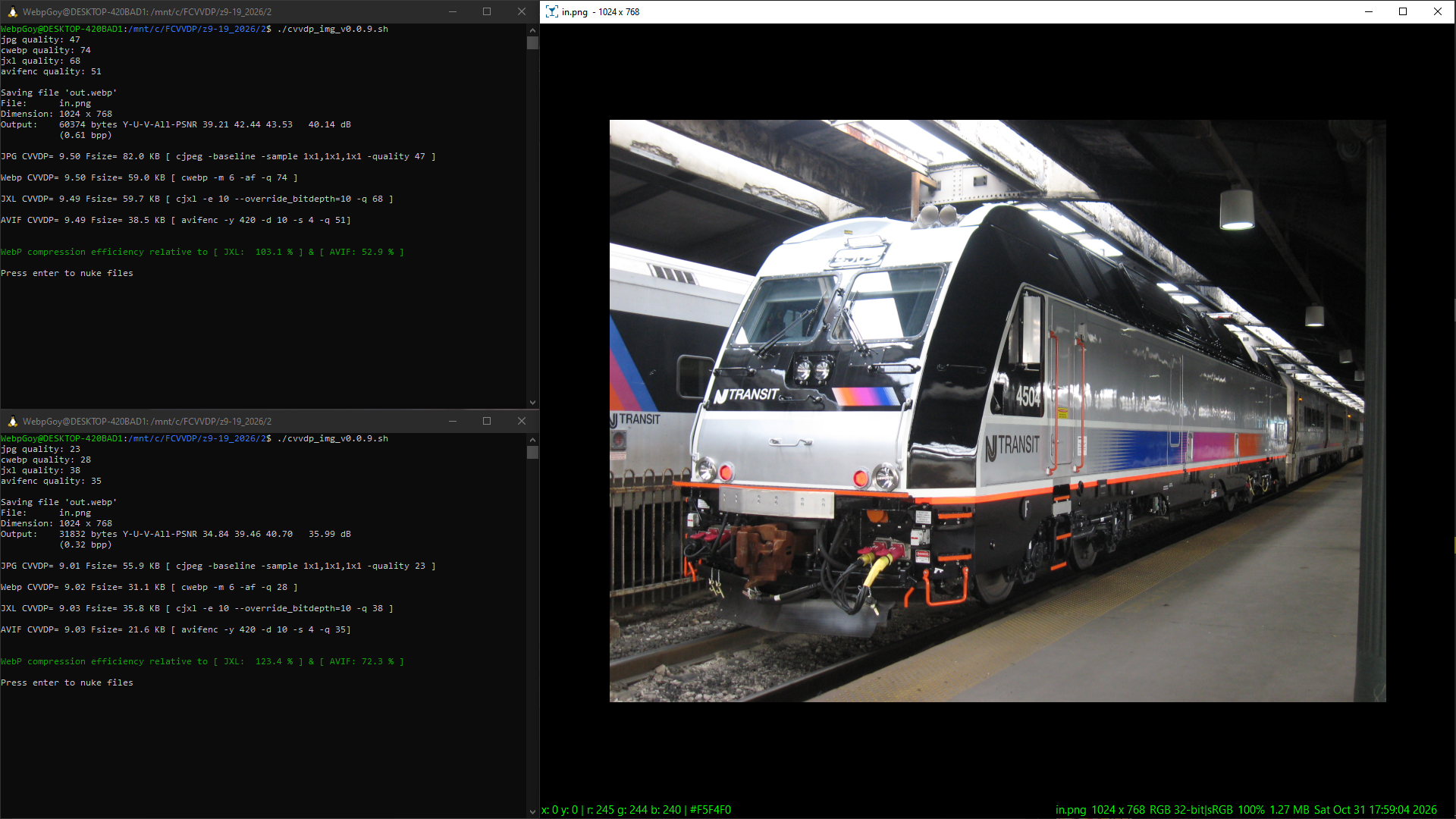
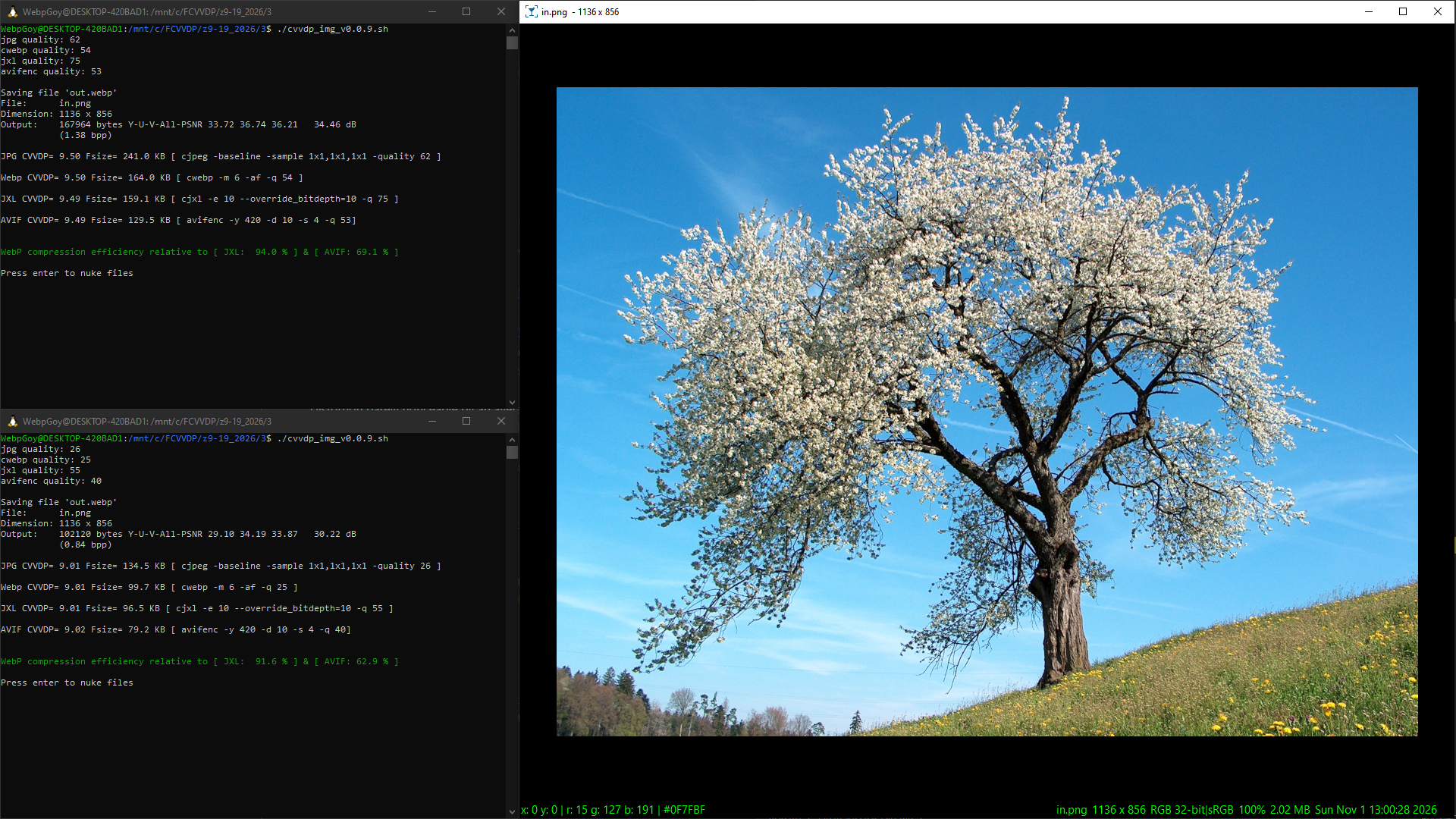
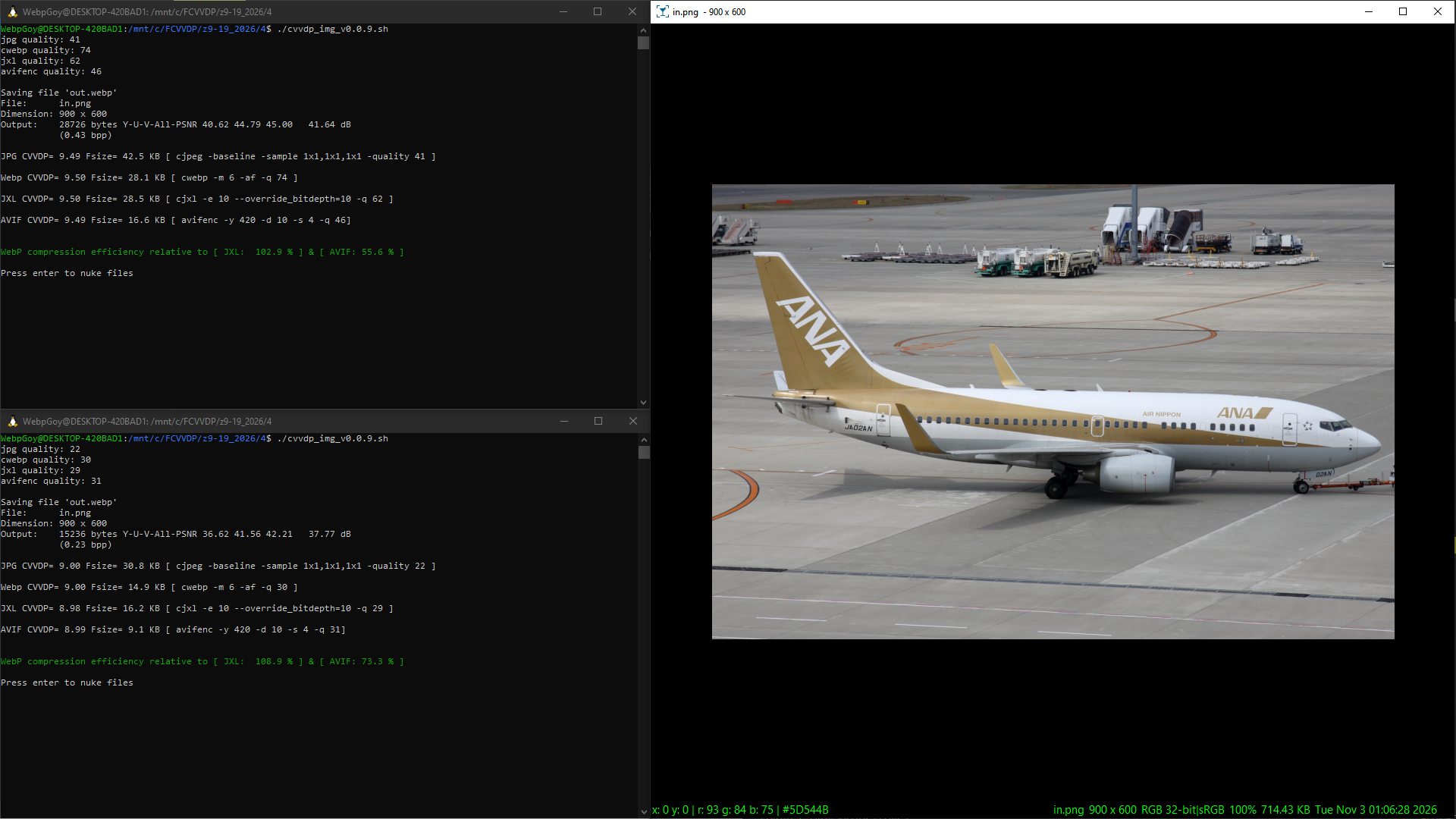
Primary goal: Determine compression efficiency between image codecs using a CVVDP score.
Secondary goal: Investigate diminishing returns between Webp and JXL
Currently only works with this specific input file: in.png. Only tested in Ubuntu WSL.
Replace /mnt/c/Users/1337/AppData/Local/Programs/Python/Python313/Scripts/cvvdp.exe with your CVVDP location.
CVVDP SDR display model used: standard_fhd. Scores tested: ~9.0 and ~9.5
My subjective CVVDP interpretation is that ~9.0 = medium quality and ~9.5 = high quality
Use CVVDP with photographic images only as it does poorly with Anime ones.
The display I'm using is a 27 inch 1080p monitor (~82 PPI), viewing distance is ~20 inches.
Created 9-20-2026, using the following dependents and their parameters:
ColorVideoVDP v0.5.7 (released on 08-02-2026) cvvdp -t out.png -r in.png --device cpu -d standard_fhd -m cvvdp
CJPEG version 6b (released on 03-27-1998) cjpeg -baseline -sample 1x1,1x1,1x1 -quality X in.ppm > out.jpg
libwebp v1.6.0 (released on 06-30-2025) cwebp -m 6 -af -q X in.png -o out.webp
libjxl v0.12.0 (released on 07-01-2026) cjxl in.png out.jxl -e 10 --override_bitdepth=10 -q X
libavif v1.4.2 (released on 05-26-2026) avifenc -y 420 -d 10 -s 4 -q X in.png out.avif
ffmpeg version N-125350-g3f6bf150cb-20260629
12 photographic wikipedia images being tested, resized to 50% PNGs, attribution provided in zip:
https://files.catbox.moe/te69tk.zip
https://files.catbox.moe/auw8e7.txt
Example Ubuntu WSL shell output:JPG CVVDP= 9.54 Fsize= 178.7 KB [ cjpeg -baseline -sample 1x1,1x1,1x1 -quality 55 ] Webp CVVDP= 9.54 Fsize= 176.9 KB [ cwebp -m 6 -af -q 78 ] JXL CVVDP= 9.54 Fsize= 133.9 KB [ cjxl -e 10 --override_bitdepth=10 -q 78 ] AVIF CVVDP= 9.55 Fsize= 134.3 KB [ avifenc -y 420 -d 10 -s 4 -q 60] WebP compression efficiency relative to [ JXL: 4.0 % ] & [ AVIF: 4.1 % ]
File: i_bet_the_jews_did_this.webp (128 KB, 990x1080)
Many issues fixed from my first attempt, including making sure intermediate PNG files are correctly encoded as sRGB before being passed off to CVVDP, 10-bit being enabled in cjxl, and various logic errors fixed.
I'm not 100% happy with this as I wanted it to cycle through the quality parameters until a desirable CVVDP score was found, doing this manually takes a while, but it's finally usable right now.